Calculation tool
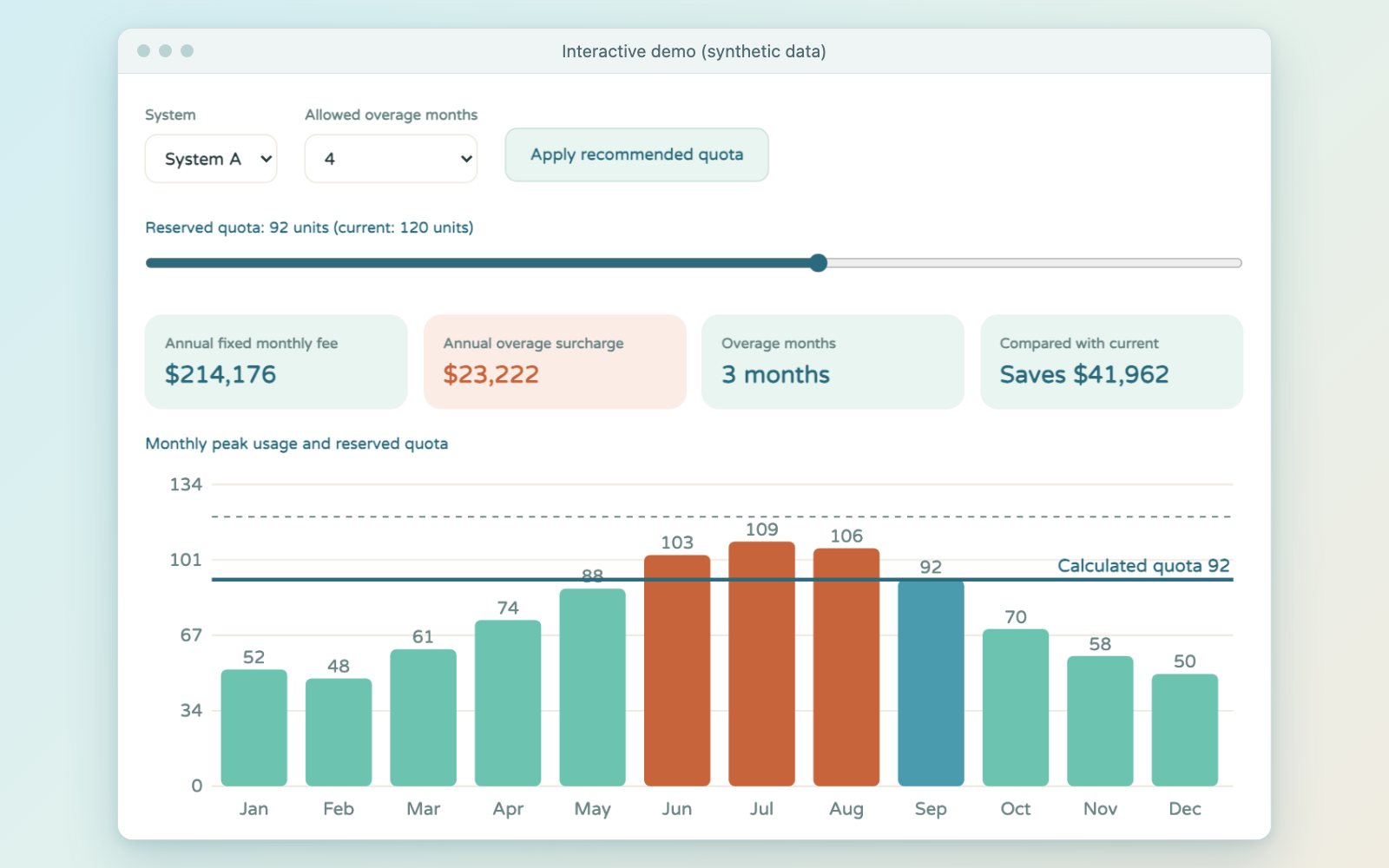
Rate plan optimization calculator
Based on the past year of actual usage, the tool calculates the annual cost of each reserved quota in steps of one unit. It lists three plans and the cost difference between each plan and the current quota.
Open description and interactive demoPortable offline demo kit
The kit packages an automated report generation workflow, its runtime environment, sample data, and a user interface on one USB drive. It runs on meeting room computers that have no network and do not allow software installation.
- The runtime environment and dependencies are bundled in the kit and are not written to the demo computer.
- The interface allows only dates with prepared data to be selected, and shows a notice when a date without data is chosen.
- The demo includes both a pre-recorded run and a live run.
Personal productivity utilities
Usage status widget
Runs in the system tray and shows the usage quota of a coding assistant and the conversation length of each session. It starts automatically at boot.
Settings change monitor
A scheduled task checks local settings files every 30 minutes. When a setting related to data transmission changes, it sends a push notification to a phone.
Phone notification bridge
After a session finishes a round of processing, it sends a summary to a phone. Operations that are not read-only run only after each one is approved on the phone.
Automatic work log entry
At a fixed time each workday, it compiles that day's file changes and work records. It writes them to the work log database and weekly table in a note-taking application.
Screen recording
Two scripts record a specified window and the entire desktop. The recordings are used for demo videos and operating instructions.
Batch image format conversion
Converts photos taken on a phone to a common image format for use in documents and slides.
Transcript diff marking
Compares a speech recognition draft with the corrected version and marks the changes for proofreading.